|
|
Creato da eobd2 il 22/02/2014
Partager rien outil d'analyse OBD2
|
Area personale
Tag
Cerca in questo Blog
Menu
Ultime visite al Blog
Chi può scrivere sul blog


| « I-2016 Actia Multi diag ... | Quale strumento può camb... » |
how to change Mazda 6 2006 mileage
Here is steps guide for using OBDSTAR X300M to change Mazda 6 2006 mileage.From original mileage 152550km to 277898KM.
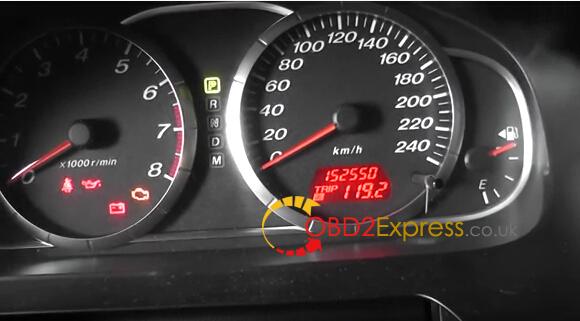
Follow these steps to correct the mileage quickly:
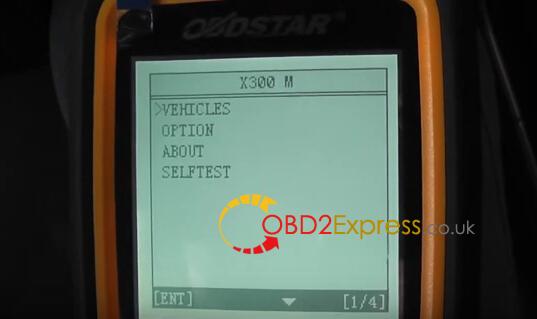
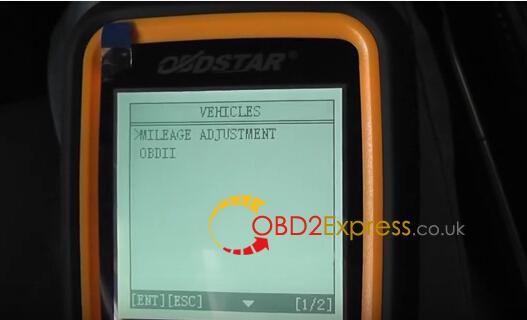
Step1. Start OBDSTAR X300M Mileage Correction Tool, choose “Vehicles”→ “Mileage Adjustment”→ “Other Models”
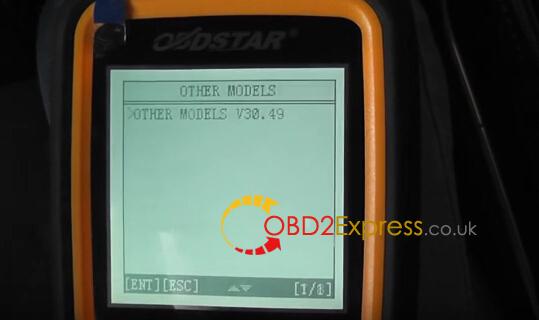
Step2. Choose “Mazda”→ “M6”→ “2005-2009”
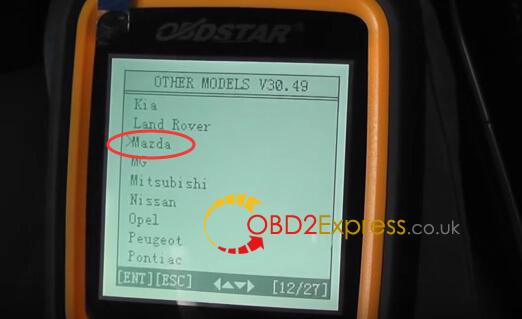
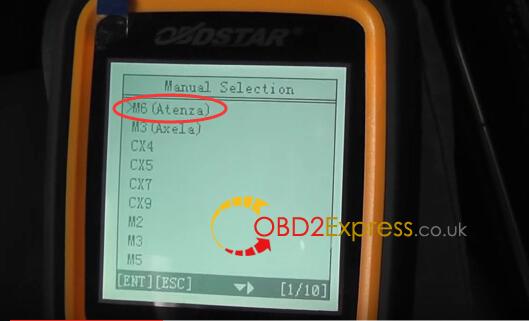
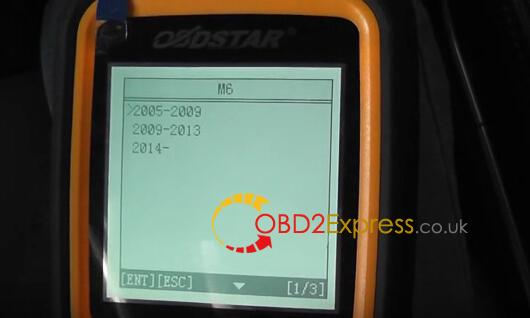
Step3. Now switch ignition on, OBDSTAR X300M will remind you to do data backup before changing mileage. (Data backup is next step) Then turn off the ignition and turn it on again.
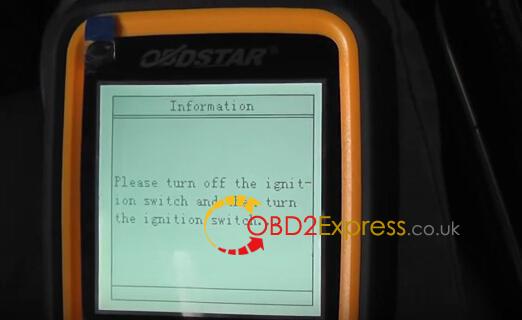

Step4. Data Backup: Turn off the ignition and turn it on again. Wait a moment then input the name of file to save and data backup success.
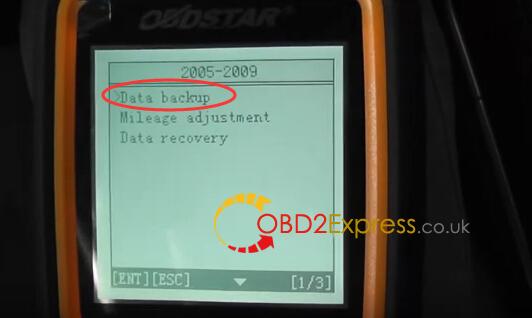
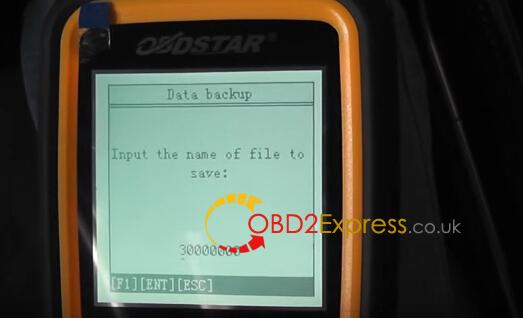
Step5. Mileage Adjustment: Turn off the ignition and turn it on again. Also wait a moment for OBDSTAR X300M to read mileage, after that confirm the original mileage.
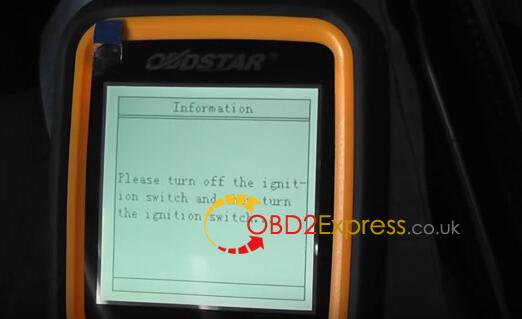

Step6. Last step!! Input the mileage you want to change to and confirm it. Turn off the ignition and turn it on again, then wait a second for mileage adjusting to complete. Now the Mazda 6 mileage is changed successfully by using OBDSTAR X300M odometer adjustment tool.

 Condividi e segnala -
permalink
- Segnala abuso Condividi e segnala -
permalink
- Segnala abuso |