|
|
Creato da eobd2 il 22/02/2014
Partager rien outil d'analyse OBD2
|
Area personale
Tag
Cerca in questo Blog
Menu
Ultime visite al Blog
Chi può scrivere sul blog


| « What is the best clone f... | Come installare il softw... » |
How to install GDS2 software on VMware Player
GDS2 VMWare installation tips and guides for newbies:
Install the VM player as admin (right click on it and select run as admin).
Once have vm player installed on your machine, forget all about the VM player app start icon, since you not going to use it, since the xp version it has set up under it, will not work with nothing else but GDS2 software.
Now copy the GDS2 folder from the disc, to somewhere on your drive (folder and the files in it).
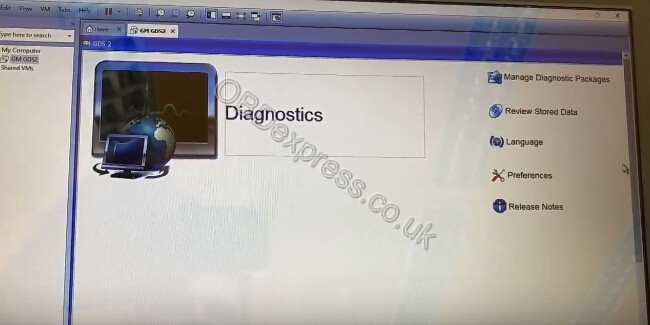
Now in that GDS2 folder you just copied to your hard drive, your going to right click on the VM.vmx file inside that folder and select to open it with Vm player app (selected from programs from the list).
If you want a icon to click on to open the GDS2 program via VM player without having to go into the folder each time, do a copy on the VM.vmx file via the right click method, go over to your desk top, do a right click paste of it there to make a short cut, do another click on the shortcut icon you just pasted into desk top, go down to rename, and just change the shortcut name to GSD2. Now when you click on the new icon named GSD2 you just made, it will open up GDS2 in the vm player.
If you want the icon in the start drop down menu, then right click on it again, and select pin to start menu (classic in my case, since I run classic shell since windows 8).
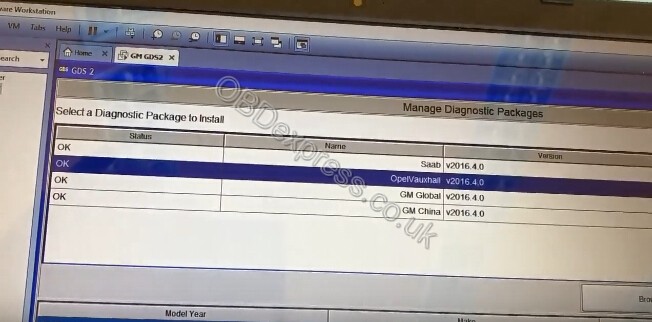
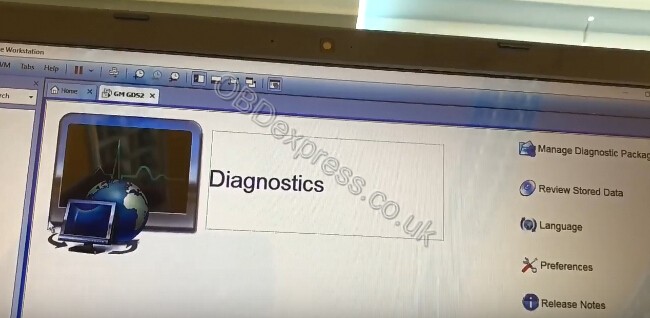
Hence you don't start the GDS2 program by clicking on VM player, but by clicking on the vm.vmx file in the program, with it desinated to be opened up via VM player instead. Note if you do the GDS2 shortcut icon, make sure that is selected to open up with VM player as well.
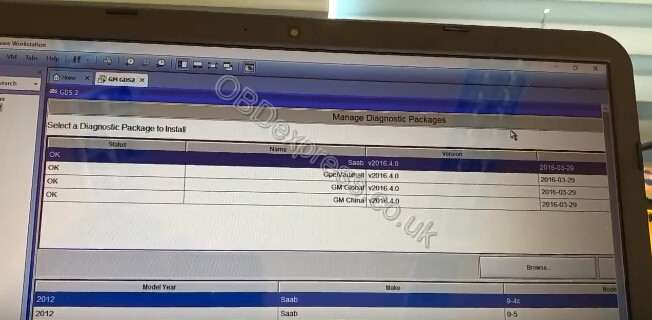
Note that SPS functions are exist with Global Tis! GDS2 haven't SPS, just for only diagnostic procedures.






Source:
http://vxdiagtool.blogspot.com/2018/08/how-to-install-gds2-software-on-vmware.html#mce_temp_url#
 Condividi e segnala -
permalink
- Segnala abuso Condividi e segnala -
permalink
- Segnala abuso |